Maintain Runs in your browser
Asset Sync Checker: Find conflicting facts across training materials
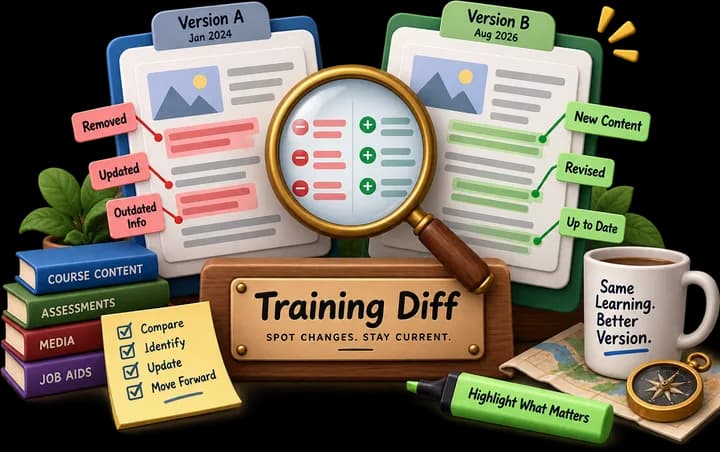
Drop in two or more related assets (a script, a slide export, a job aid, a quiz) and surface every fact that disagrees between them: numbers, dates, names, versions, terminology.
- You bring
- Two or more text, DOCX, HTML or Markdown files
- You leave with
- A conflict report grouped by fact, with the exact passages from each asset
When to use Asset Sync Checker
The script says 30 days, the job aid says 14, and the quiz marks 21 as correct. Asset Sync Checker compares two or more related assets and lists every number, date, name, version or term that disagrees between them, with the passage from each file.
It runs in your browser, so draft and confidential materials never leave your machine.
How to use it
- Drop in two or more related files: text, DOCX, HTML or Markdown.
- Run the check.
- Read the conflicts grouped by fact, each with the exact passage from every asset.
- Decide which version is right and fix the others.
Questions about Asset Sync Checker
- Which file types can I compare?
- Text, DOCX, HTML and Markdown files. Drop in two or more related assets and the tool reads them in your browser.
- What kinds of conflicts does it find?
- Facts that disagree between assets: numbers, dates, names, versions and terminology. Each conflict shows the exact passage from each file so you can decide which one is right.
- Is Asset Sync Checker free?
- Yes. Asset Sync Checker runs entirely in your browser with no account, no limits and nothing to install.
- What happens to the content I put in?
- It never leaves your browser. All of the work happens on your machine, no request is made to our server with your content, and nothing is stored on our side.