6 training games you can build from content you already have
Updated
Pick the game from what you want people to do, not from what looks fun. Recall fits a quiz board or rapid fire. A process fits sequencing. Judgement calls fit Who's Right or Spot the Problem. Discussion fits a wheel of prompts. All six can be run by one facilitator on one screen, with no devices for the room.
Training games fail when the format does not match the goal: a points-and-buzzers quiz used to practice a difficult conversation, or a discussion game used to check whether people remember the five steps. Start from the goal, then pick the format.
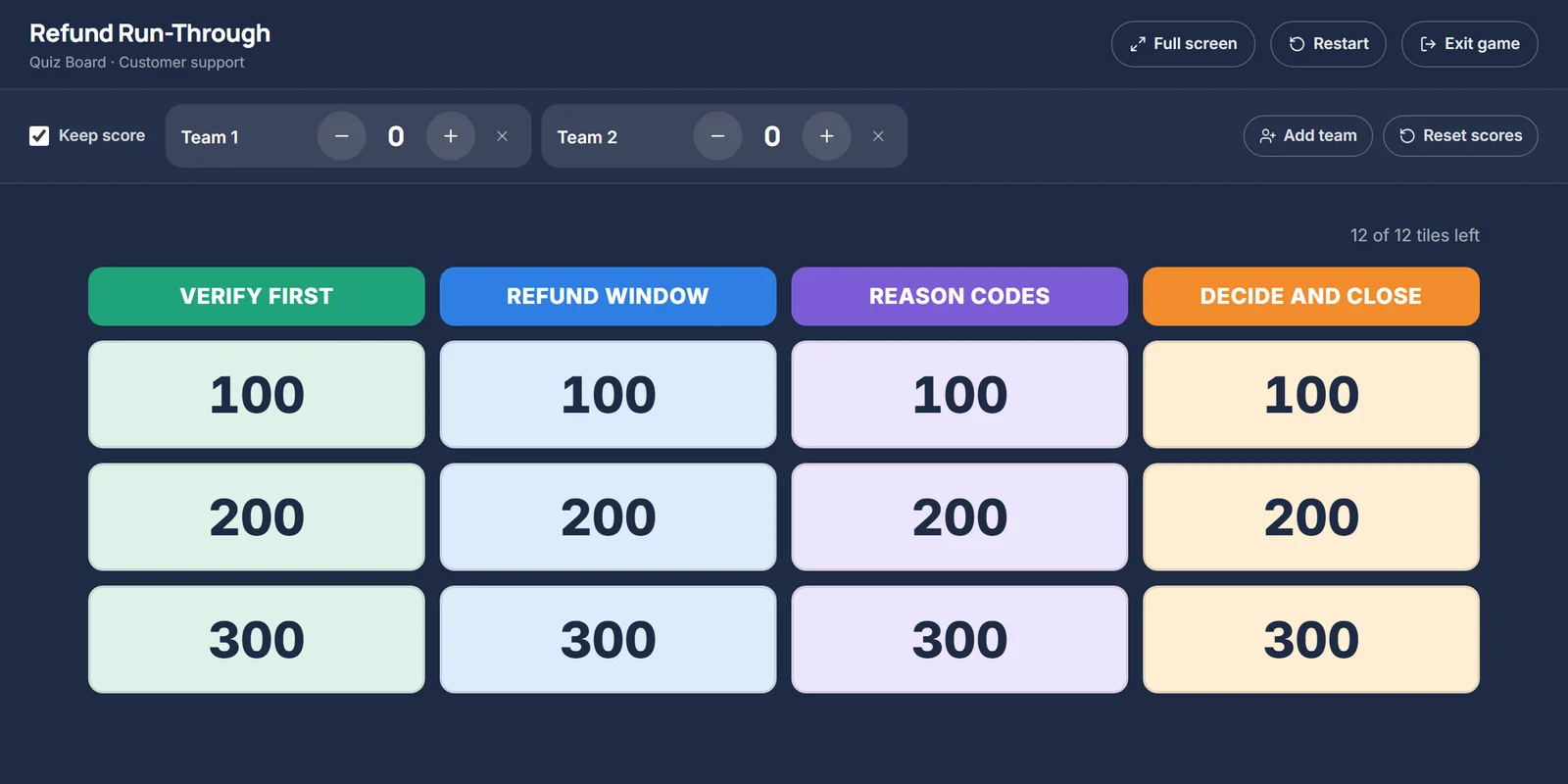
1. Quiz Board: review what people remember
A grid of categories and point values. Teams pick a tile, the question is revealed, and the facilitator awards points. It gives structure and friendly competition to a knowledge review, and the categories show the room what the course covered. Best with content that splits into three to five clear topics.
2. Rapid Fire: energize, or review in five minutes
A timed stream of short questions. It is loud and quick, which makes it a good opener after lunch or a close to a module. Keep questions to one line and answers to a word or two; anything that needs thinking time belongs in another format.
3. Spin the Wheel: start a discussion
Each spin lands on a prompt, a question, a scenario or a challenge from your content. It keeps a discussion moving without a script, and the randomness takes pressure off whoever has to answer. Works well for reflection ("Where have you seen this go wrong?") and for groups who are quiet in open discussion.
4. Sequence It: review a process
The steps of a process, shuffled. The room puts them in order. It suits procedures, workflows and checklists, and it surfaces the steps people tend to skip or swap, which is usually where the real errors happen. Content that already has numbered steps is ready to go.
5. Spot the Problem: find what is wrong or missing
A short scenario with something wrong, risky or missing. Teams diagnose it. This moves past recall into application, and it is a good fit for compliance, safety and quality content, where the job is often to notice a problem rather than to recite a rule.
6. Who's Right? Practice judgement
Two or three people respond to the same situation; the room decides who handled it best and why. It is the closest a group game gets to practicing a decision, so it suits customer conversations, management situations and policy grey areas. The debrief matters more than the score: ask what the weaker responses got right.
Choosing quickly
- Check what people remember: Quiz Board, or Rapid Fire if you have five minutes.
- Walk through a process: Sequence It.
- Practice decisions: Who's Right? or Spot the Problem.
- Find mistakes: Spot the Problem.
- Get the room talking: Spin the Wheel.
- Wake the room up: Rapid Fire.
Running it well
- Use teams of three to five, so everyone has to talk.
- Show the scoring, but keep it light. The goal is the discussion each question triggers.
- Pause on wrong answers. A popular wrong answer is the most useful moment in the game.
- End with a two-minute debrief: what surprised you, and what will you do differently?
Facilitator Game Maker builds any of the six from your content: paste the material, choose the goal, group size and time, and it recommends a format, generates the questions for you to edit, and runs the game full screen with optional team scoring.